Restore Data
Restoring data takes a backup file and replaces the database. Any changes made to the database between the date of the backup and the present will be overwritten. You might use restore data to undo actions in this time period, because you've moved Church Windows to a new computer, or to add data to work temporarily in another location.
Exercise a high level of caution and double check dates. Restoring data will delete the current data and replace it with the iteration in the backup. Administrators should carefully consider access to the restore function in Users & System Security to ensure only those with a solid understanding of the database perform this function.
Restore a Backup
-
From the opening portal, click Administration and then Restore.
-
In the Restore screen, click
 and locate the folder with the backup you want to restore.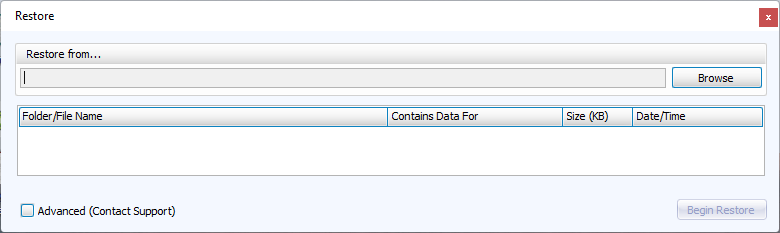
-
Click
 .
. -
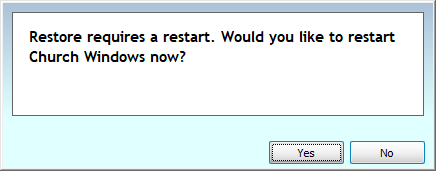
When the restore is complete, you'll be prompted to restart the program.